

Browse Education Website Ownership articles
A learning website can advertise a large course and product catalog, but a buyer needs to know what each item actually contains and whether it can be transferred. A visible title may lead to complete lessons, a placeholder, a third-party service, or a file with limited rights. Before valuing a catalog, review a sample, request an inventory, and trace the path a customer would take from description to access. This guide applies those questions to the Digital Academy Hub listing and similar purchases.
Count what can be delivered
Ask the seller for a dated catalog export. For every course, include title, publication status, instructor or creator, number of lessons, format, last update, hosting location, access rules, and license. For every digital product, include SKU, status, price, file type, delivery method, and rights holder. A headline count without these fields is difficult to value. Drafts, duplicate listings, and unavailable files should be separated from ready-to-sell items.
Look at the public site, but do not stop there. A catalog page shows the customer's first impression. Ask for authorized administrator access or a guided demo to inspect what is behind it. Open a representative sample across categories and price points. Check the first and last lesson, downloads, quizzes, media playback, and navigation. A sample does not prove every item is sound, but it can reveal questions for a fuller review.
Decide what “complete” means for your audience. A course might technically have lessons but lack learning objectives, current examples, captions, or a coherent sequence. A PDF might exist but contain broken links or an outdated offer. Record quality issues separately from delivery failures. You can budget for improvements only when you understand their scope.
Trace rights to use the material
The most important question may be who owns the content. Ask for contracts or licenses covering text, slides, images, video, audio, assessments, and downloadable files. Determine whether rights include resale, editing, branding, and transfer to a new website owner. A marketplace purchase or stock asset may have restrictions. A seller's ability to display content on the current site does not establish your right to continue selling it.
For instructor-led material, ask whether the instructor's name and likeness can remain on the site and whether they are owed royalties or support. For third-party course embeds, ask whether the service account can be transferred and what it costs to maintain. If a license cannot be verified, treat that item as uncertain, even if it is visible in a demo. Legal advice may be appropriate for a high-value or complicated catalog.
Ask whether customer reviews and testimonials can be transferred and reused accurately. Endorsements may have disclosure obligations, especially when there is a material connection. The FTC's business guidance is a starting point for US disclosures; applicable rules vary. Do not copy a claim about outcomes into your future marketing unless you can substantiate it for the audience and product you will actually offer.
Test the learner's path
Choose a sample course and follow a test account from enrollment to completion, with the seller's permission. Does the welcome message arrive? Can the learner find lessons in order? Are videos watchable on a phone? Do captions or transcripts exist where needed? Can they resume after logging out? What happens at completion? Document steps that require manual intervention by an administrator.
For a digital product, follow a test order from checkout through confirmation and download access. WooCommerce explains how downloadable file permissions can be granted according to settings. Verify the actual configuration, expiry or download limits, payment status behavior, and file location. A button that works for an administrator may fail for a new customer. Use a staging site or controlled test, and avoid exposing real customer data.
Inspect support information. Is there a clear contact method if an access link fails? Does the seller have open tickets or refund requests related to courses? A catalog's value depends partly on the work required to support it. Ask for a summary of common problems and the time spent resolving them, with personal data removed where appropriate.
Assess the educational value
Create a simple review sheet for each sampled item: audience, promise, prerequisites, lesson outline, examples, assessments, accessibility, date reviewed, and suggested changes. Compare the sales description with what the learner receives. If the page promises a certificate, coaching, or a particular skill outcome, verify that the process exists and that the claim is justified.
Check whether references and demonstrations have aged. Software tutorials, laws, platform screens, and prices can change. Ask who is responsible for updates and whether source files are available so you can edit lessons. An old course can still be useful if it teaches enduring concepts, but its marketing should not imply current instructions where they are outdated.
Accessibility matters for a learning site. Are important images described, videos captioned, controls usable by keyboard, and documents readable? A buyer may need an expert audit to determine compliance with applicable standards and laws. Even without a formal audit, obvious barriers can be noted in the handover plan and budgeted for. Do not assume the theme's appearance establishes accessibility.
Compare catalog value with ongoing work
Separate the value of rights, content, platform setup, customer relationships, and documented earnings. A course library may save production time but introduce maintenance. Estimate hours and costs to correct broken lessons, update references, support students, and replace assets without transferable licenses. Include subscriptions to video hosting, learning plugins, payment services, email tools, and storage.
Request sales data by product or category over a defined period. A hundred products with little demand should not be valued like a hundred proven sellers. Examine gross revenue, refunds, fees, and support costs. Ask whether a small number of items account for most sales and whether those items can legally transfer. Traffic and conversion data should be checked against analytics and payment records, not inferred from displayed reviews.
If seller data is limited, say so in your decision model. You might value the catalog as a collection of usable assets rather than a going concern with demonstrated profit. Avoid projecting a return from a product count alone. A qualified accountant or adviser can help with a larger transaction, but you can begin by listing verifiable assets and expenses.
Prepare a transfer checklist for content
Before closing, specify how files and access will move. WordPress's export feature can transfer certain content, but course plugins, orders, media, and settings may require a fuller migration. Request a current backup, source files where promised, a list of third-party services, and a test of the restored site. Define who will fix broken links, missing media, or permissions after handover.
Check the content on your own domain or hosting after migration, not only on the seller's environment. Use a test account to enroll in a course and download a product again. Confirm the owner can edit text, replace a file, issue a refund if applicable, and answer a learner's support request. These tests give practical meaning to the phrase “fully transferred.”
Protect customer information. A site migration can involve user accounts and order records. Ask what data is included, what consents or notices are required, and who is responsible for privacy obligations. Do not accept an unnecessary dump of personal information in an unsecured channel. Get jurisdiction-specific advice when duties are unclear.
Questions to put to the seller
How many published, functioning courses and products are included on the transfer date? Who owns each asset? What third-party licenses are needed? Can I inspect a sample of complete lessons and test a purchase? How often were the top courses updated? What problems and support requests are unresolved? Which subscriptions are required after closing? How will files, permissions, and customer access be tested on the new setup?
Ask for written answers with a dated inventory. If the seller cannot document rights or delivery, the affected items should be treated as unverified. You might negotiate, request more evidence, or decide the offer is unsuitable. The goal is a clear picture, not a perfect scorecard.
Make the catalog earn its place in the price
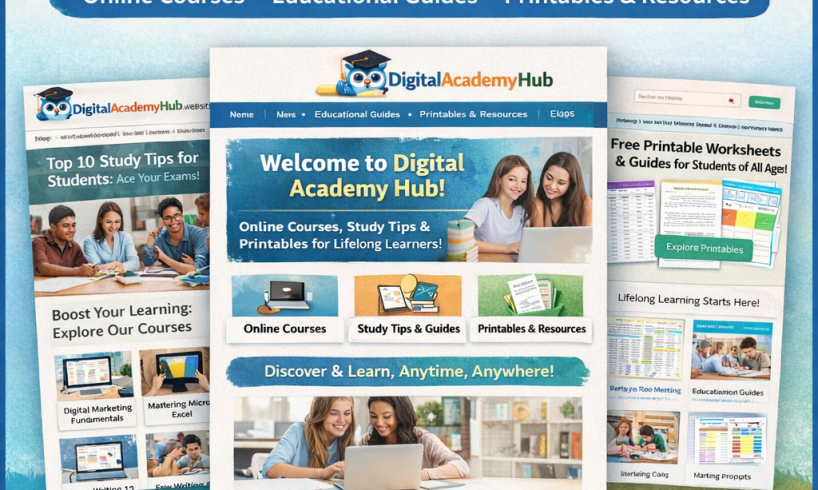
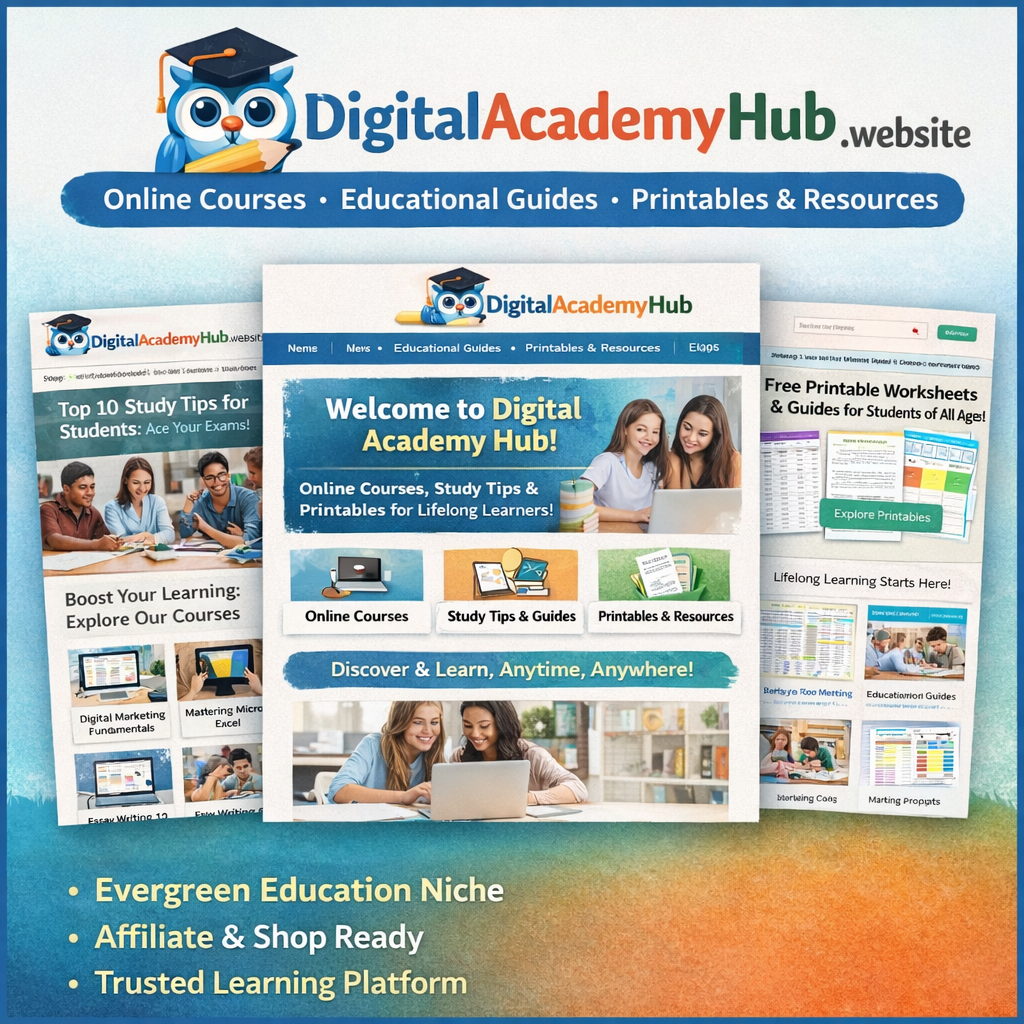
The Digital Academy Hub product listing describes an education website with courses and digital products for $750. Review the live catalog as a starting point and verify every material asset in the purchase. The count you see today may differ from the assets, rights, and support you ultimately receive. A working transfer test and clear licenses matter more than a large headline number.
When you understand the content, rights, technology, and upkeep, you can decide whether the catalog supports your plans. Put unresolved questions in writing before payment. A careful review protects both your budget and the people who may later rely on the learning material.
Before accepting the final inventory, check a few items chosen by you rather than only the seller's best examples. Include a recent item, an older item, a course, and a downloadable product. Record the version and date of each sample so that you can compare it with the files delivered at closing. If the sample cannot be reproduced after transfer, ask for an explanation before treating the handover as complete.
Sources and further reading
- Digital Academy Hub, live site
- WordPress, Export screen documentation
- ICANN, Information for registrants
- WooCommerce, Digital/Downloadable Product Guide
- FTC, Disclosures 101 for Social Media Influencers
This buyer guide is educational. Listings and live sites can change. Verify transfer rights, operations, records, and contract terms directly; seek qualified legal, technical, or accounting advice where appropriate. No earnings or transfer outcome is guaranteed.
Explore the free companion articles
- What to Check Before Buying an Education Website (Available October 1, 2026, 3:42 PM Pacific)
- Reviewing Courses and Digital Products in a Website Purchase (Available October 1, 2026, 8:47 PM Pacific)
- Domain, Hosting, and Transfer Questions for a Website Buyer (Available October 2, 2026, 10:54 AM Pacific)
- How to Plan the First 30 Days After Buying a Learning Site (Available October 2, 2026, 2:49 PM Pacific)
- Education Website Monetization: What a New Owner Should Measure (Available October 2, 2026, 6:55 PM Pacific)