

Browse Education Website Ownership articles
Buying a website involves more than receiving a login. The domain, hosting, site files, database, email, payments, analytics, and licensed tools may sit in different accounts. A transfer can appear complete while one renewal remains in the seller's name or a course still depends on their subscription. Use this guide to map each dependency and agree on a testable handover for the Digital Academy Hub listing or another learning site.
Draw the account map first
List every service that keeps the website running. Start with the domain registrar and DNS provider, then hosting, content management system, course platform, store, payment processor, email delivery, analytics, backups, security, and any video or file hosting. Beside each, write the current owner, billing account, renewal date, transfer method, and person responsible. A spreadsheet is fine, but the underlying facts matter more than the format.
Ask the seller which accounts can transfer and which must be recreated in your name. Payment processors and business email accounts often have identity and compliance requirements; do not assume you should inherit a seller's credentials. Plan to connect your own account where appropriate. A clear map reveals dependencies before a late-night switch causes the store to fail.
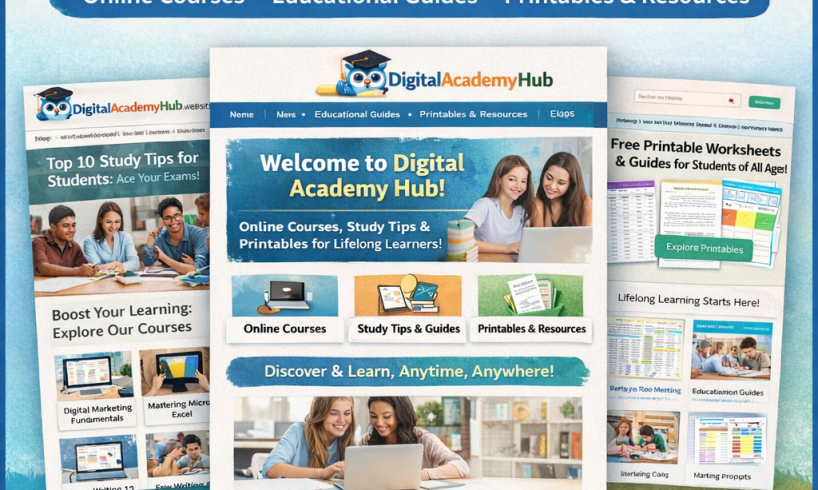
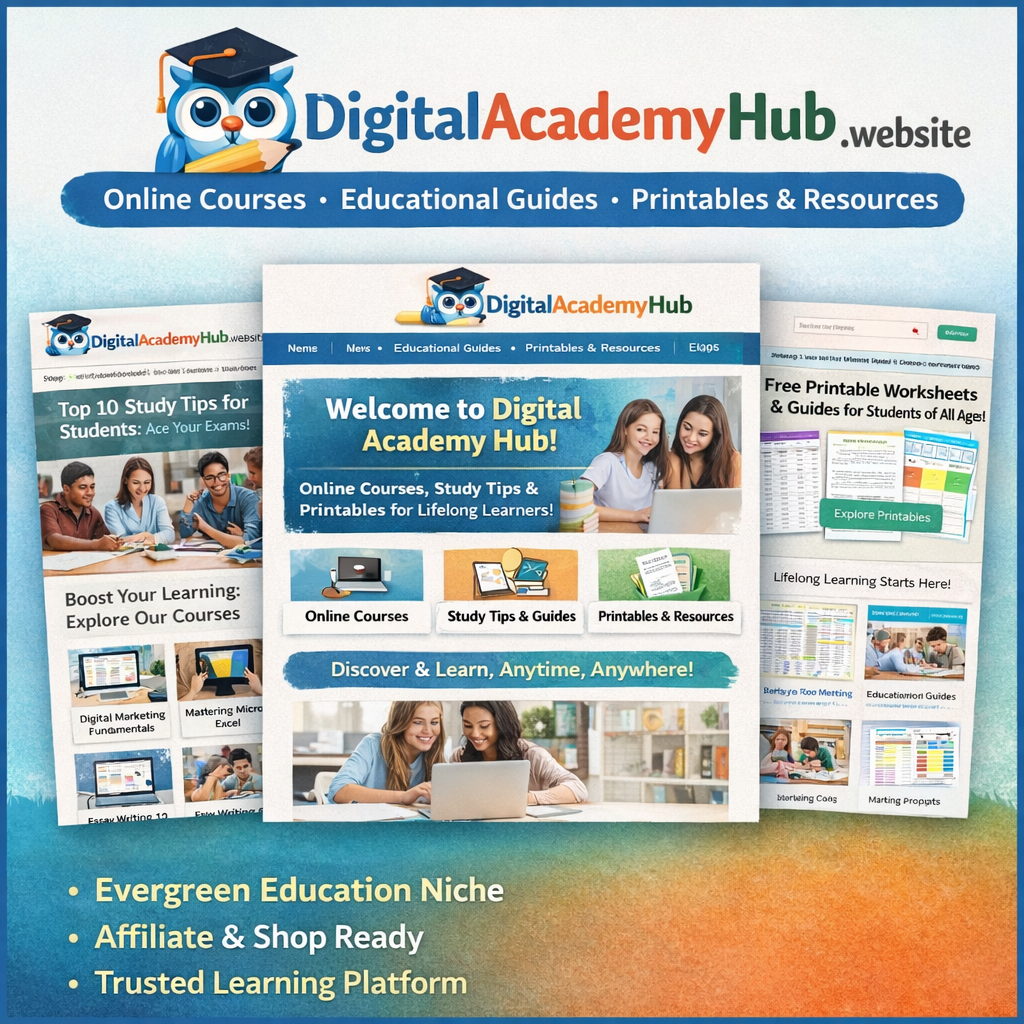
The Digital Academy Hub product page refers to a domain for one year and an optional monthly hosting arrangement. Ask for the registrar, registration term, renewal price, hosting provider, written scope of the monthly service, and terms for leaving that host. Do not infer that the initial purchase price covers every future fee.
Verify the domain transfer path
Confirm the exact domain name, current registrant, expiration date, any transfer lock, and whether the seller can authorize a change. ICANN explains registrant rights and responsibilities, while the particular registrar sets its workflow. Ask how the domain will move into an account you control and how both parties will confirm completion. Include timing and responsibility in the agreement.
Domain transfer and DNS changes are related but distinct. The domain can be in your account while nameservers still point to the seller's hosting. Conversely, a site can load on your host while the domain remains registered elsewhere. Check both after handover. Record the old DNS values before changing them, including email-related records, so an authorized technical adviser can troubleshoot a disruption.
Check related names and services. Are there subdomains for courses, checkout, help, or email? Are certificates configured for them? Does the site use a third-party CDN? A missing record can break a learning portal even when the homepage works. Document the expected behavior of each address and test it after the switch.
Understand the hosting offer
Ask what the quoted monthly hosting fee includes: storage, traffic, backups, security monitoring, software updates, uptime support, migration help, and incident response. Ask about overage charges, payment terms, cancellation, and access to backups if you leave. Compare the written scope with independent hosting options using your expected traffic and course media needs. A low entry price may shift technical responsibilities onto you.
If you use your own hosting, ask for the files and database needed to reproduce the site, along with software versions and required extensions. A WordPress content export can move selected content but may not recreate settings, plugins, media, commerce records, or course progress. WordPress's export documentation helps clarify that scope. Agree on a full backup and a migration procedure suited to the actual installation.
Ask for a staging test before changing the live domain. Review navigation, media, forms, enrollment, checkout, downloadable files, and emails. If a plugin license only works on the seller's host, the test should reveal that before launch. Plan a cutover window, identify who can roll back, and preserve an authorized backup. The goal is a working service that you can administer independently.
Transfer control of the application
An administrator account should belong to you after closing. Ask for a list of current administrators, editors, instructors, and integrations. Remove or reduce the seller's access according to the agreed support period; rotate shared passwords and API keys. Use your own recovery email and two-factor authentication where available. Do not casually exchange passwords in public chat or leave former owner accounts with broad privileges indefinitely.
Inventory the theme and plugins with version, license holder, renewal cost, and role. Course, store, email, and security plugins may be essential to ordinary operation. Identify which paid licenses can transfer and which you must buy. Ask what happens if a vendor stops supporting a tool. A screenshot of installed plugins is a starting point, but written license terms determine future rights and support.
For course media and downloads, identify where the actual files live. They might be in the WordPress media library, a private storage service, or a video platform. Test access as a student, not only as an administrator. WooCommerce's downloadable product guidance describes permission handling; verify the site's settings and a full sample order after migration.
Keep business services connected
Payment setup deserves a deliberate handover. Identify the processor, refund procedure, tax settings, subscription handling, and payout account. Ask what happens to existing orders and any recurring payments. Do not assume a processor will transfer an account or payment token. Consult the service and an appropriate adviser for the specific business and jurisdiction.
Email has several roles: administrative recovery, order notices, learner messages, password resets, and marketing. Test each with authorized accounts after DNS and service changes. Ask who owns mailing lists, what permissions cover their use, and whether you can lawfully contact those subscribers. A technically successful migration does not automatically provide marketing consent.
Analytics and search tools may need fresh verification under your ownership. Ask for historical read-only reports if promised, then establish your own administrative access. Verify that tracking still works after migration and that privacy settings match your obligations. Avoid making revenue forecasts from traffic screenshots without source access and period definitions.
Define acceptance tests in writing
List observable checks: domain in your registrar account; DNS pointing as agreed; SSL valid; administrator access working; representative course accessible to a new learner; test product delivered after an authorized order; emails arriving; backups restorable; seller access handled; and required licenses documented. Set a date and a process for reporting failures. “Site transferred” is too vague if the buyer cannot operate the store.
Include a short support window for migration issues and clarify what support covers. Does the seller fix a broken checkout caused by transfer? Who handles a missing licensed video? What evidence shows a defect existed before handover? If the agreement has a no-refund statement, define transfer and acceptance carefully before paying. Seek legal advice for material ambiguities.
Maintain a change log during the transfer. Write down who changed a DNS record, installed a plugin, or reset a key, and when. This helps troubleshoot and reduces disputes. Keep a copy of the original agreed configuration and the tested final state. Do not make unrelated design changes during the cutover unless they are necessary for safety or function.
Common buyer questions
Is a WordPress login enough to own the site?
No. It provides application access, but ownership and operation also involve the domain, hosting, content rights, licenses, payment services, and data obligations. Verify each separately. Ask the seller for a complete asset schedule.
Should I accept the offered hosting?
Compare its written scope, cost, support, and portability with your needs. It may simplify migration or it may create dependence on the seller. You can choose only after knowing what is included and how to move later. Ask for a copy of the terms.
What if the domain is locked?
Ask the registrar and seller for the reason, process, and expected date when transfer can occur. Do not close on an assumption that the issue will resolve immediately. Put a workable sequence into the agreement.
When is the handover finished?
When the agreed assets and access are in your control and the acceptance checks pass. A date alone or a screenshot of the homepage is insufficient. Define the criteria before money and credentials change hands.
Make independence the goal
The $750 Digital Academy Hub listing can be evaluated as a collection of assets and services. The website's public appearance is useful evidence, but a buyer's control depends on documented accounts, transferable rights, working data, and tested access. Map dependencies, agree on owners and dates, and test from the learner's side.
If any critical component remains tied to the seller without a clear transition, treat that as an open negotiation point. A careful transfer plan may feel slower than a quick login exchange, but it tells you whether you can actually operate the learning site you intend to buy.
Set aside time for a joint walkthrough near the end of the handover. Have the seller show where backups, order settings, course enrollment, and support messages are managed. Take notes in your own words, then repeat one ordinary operation using your own account. This reveals hidden dependencies and gives both sides a clear list of remaining tasks before the transition window closes.
Sources and further reading
- Digital Academy Hub, live site
- WordPress, Export screen documentation
- ICANN, Information for registrants
- WooCommerce, Digital/Downloadable Product Guide
- FTC, Disclosures 101 for Social Media Influencers
This buyer guide is educational. Listings and live sites can change. Verify transfer rights, operations, records, and contract terms directly; seek qualified legal, technical, or accounting advice where appropriate. No earnings or transfer outcome is guaranteed.
Explore the free companion articles
- What to Check Before Buying an Education Website (Available October 1, 2026, 3:42 PM Pacific)
- Reviewing Courses and Digital Products in a Website Purchase (Available October 1, 2026, 8:47 PM Pacific)
- Domain, Hosting, and Transfer Questions for a Website Buyer (Available October 2, 2026, 10:54 AM Pacific)
- How to Plan the First 30 Days After Buying a Learning Site (Available October 2, 2026, 2:49 PM Pacific)
- Education Website Monetization: What a New Owner Should Measure (Available October 2, 2026, 6:55 PM Pacific)